美しい画像を。
手間なく。

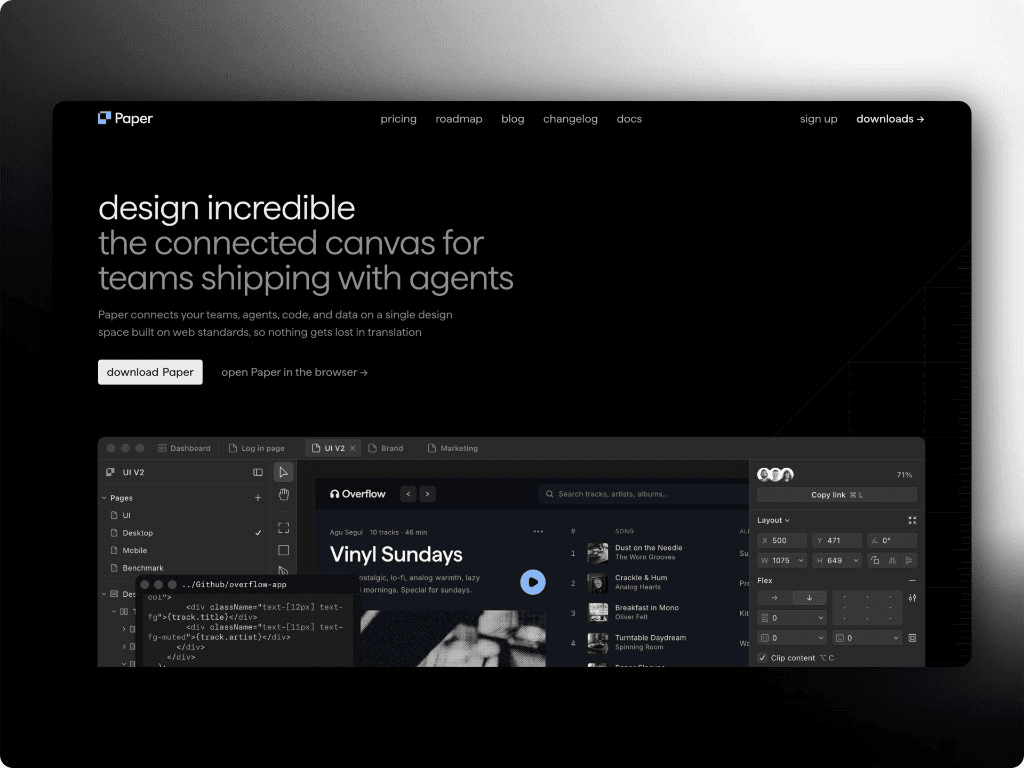
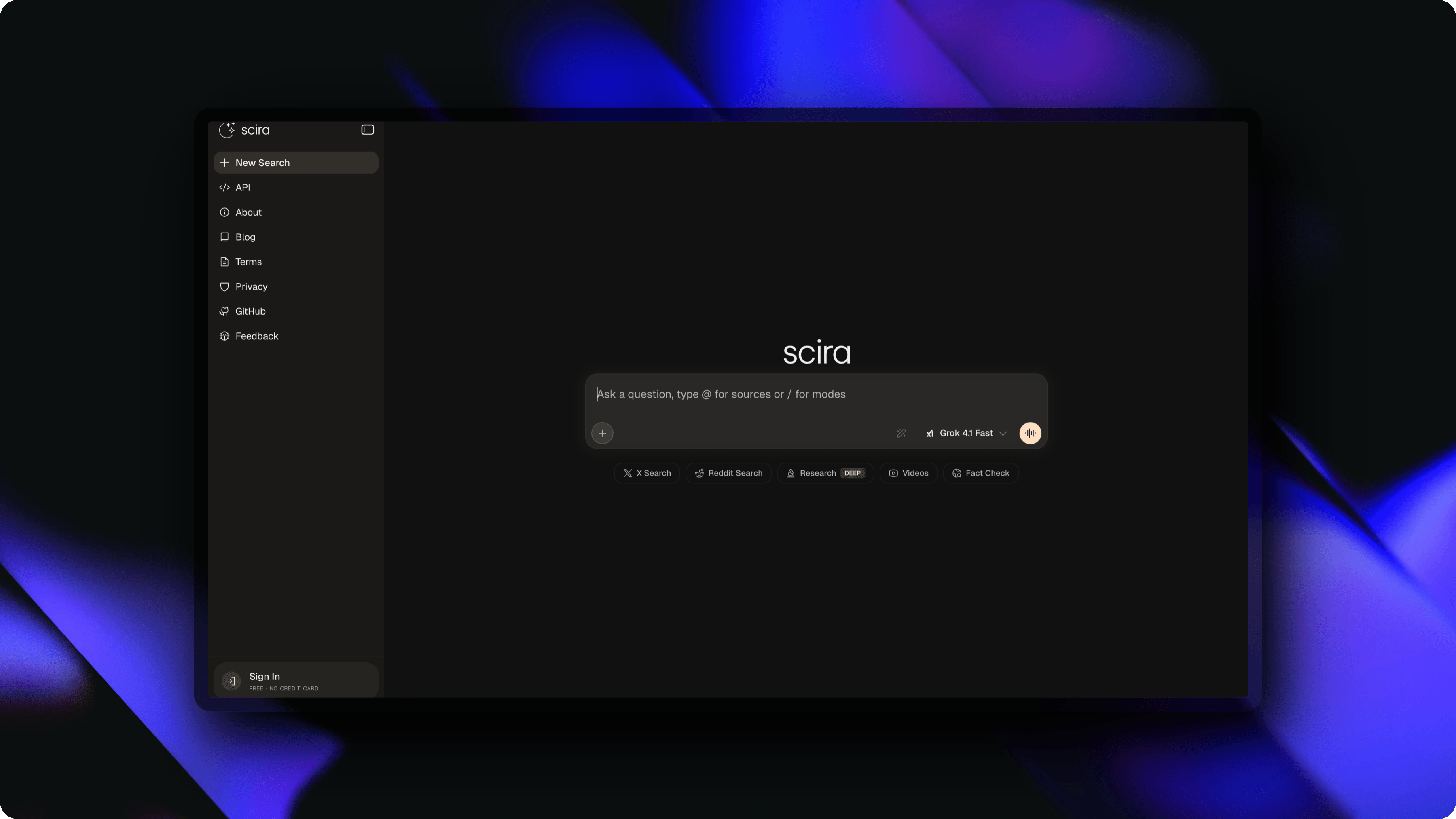
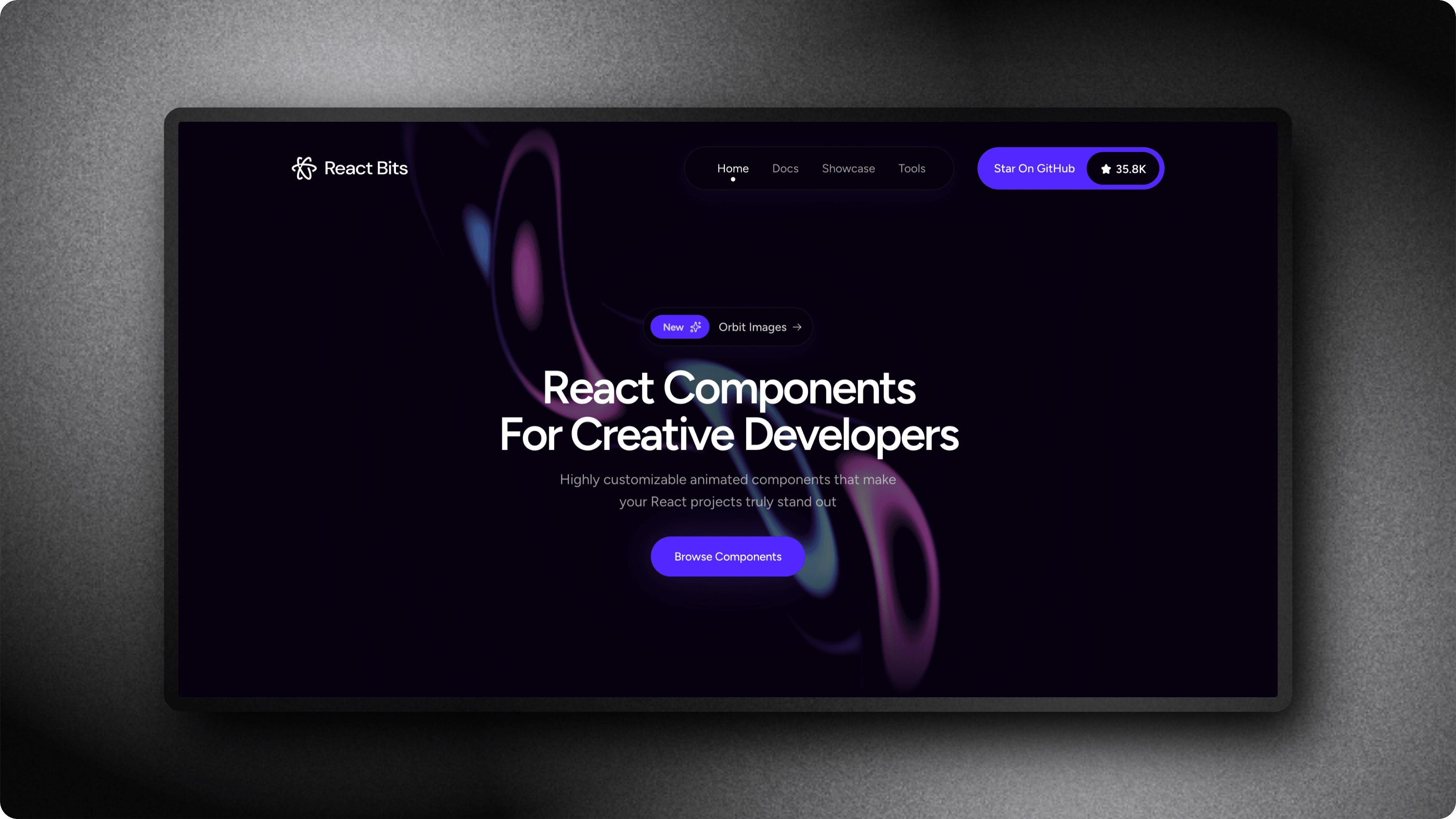
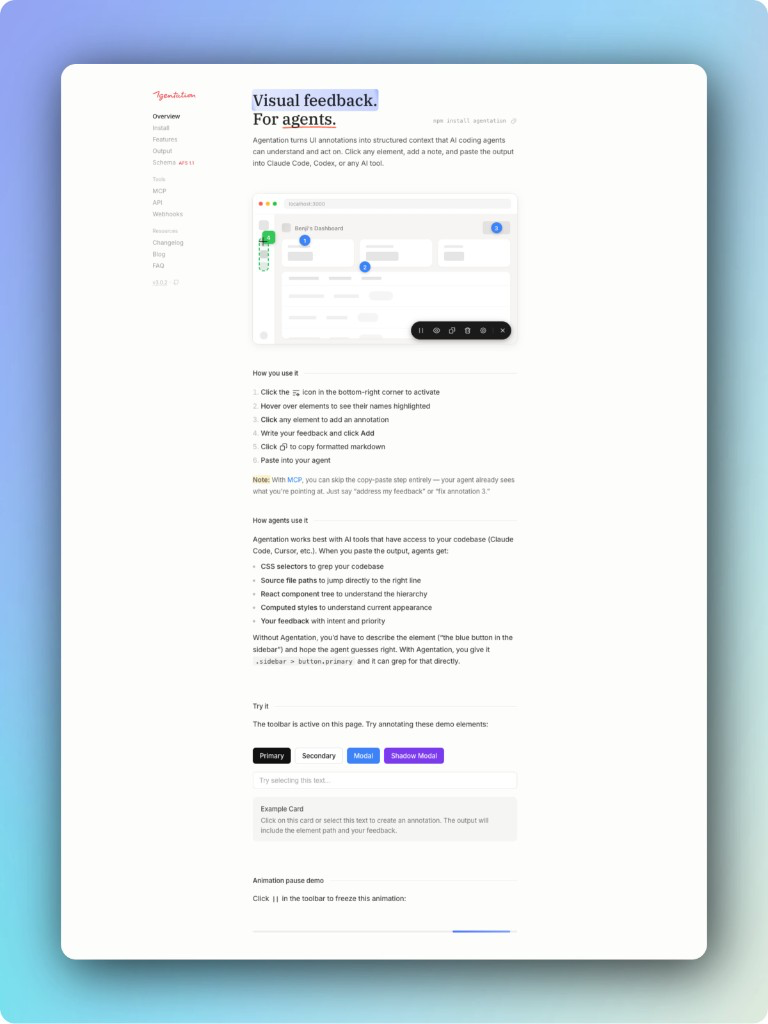
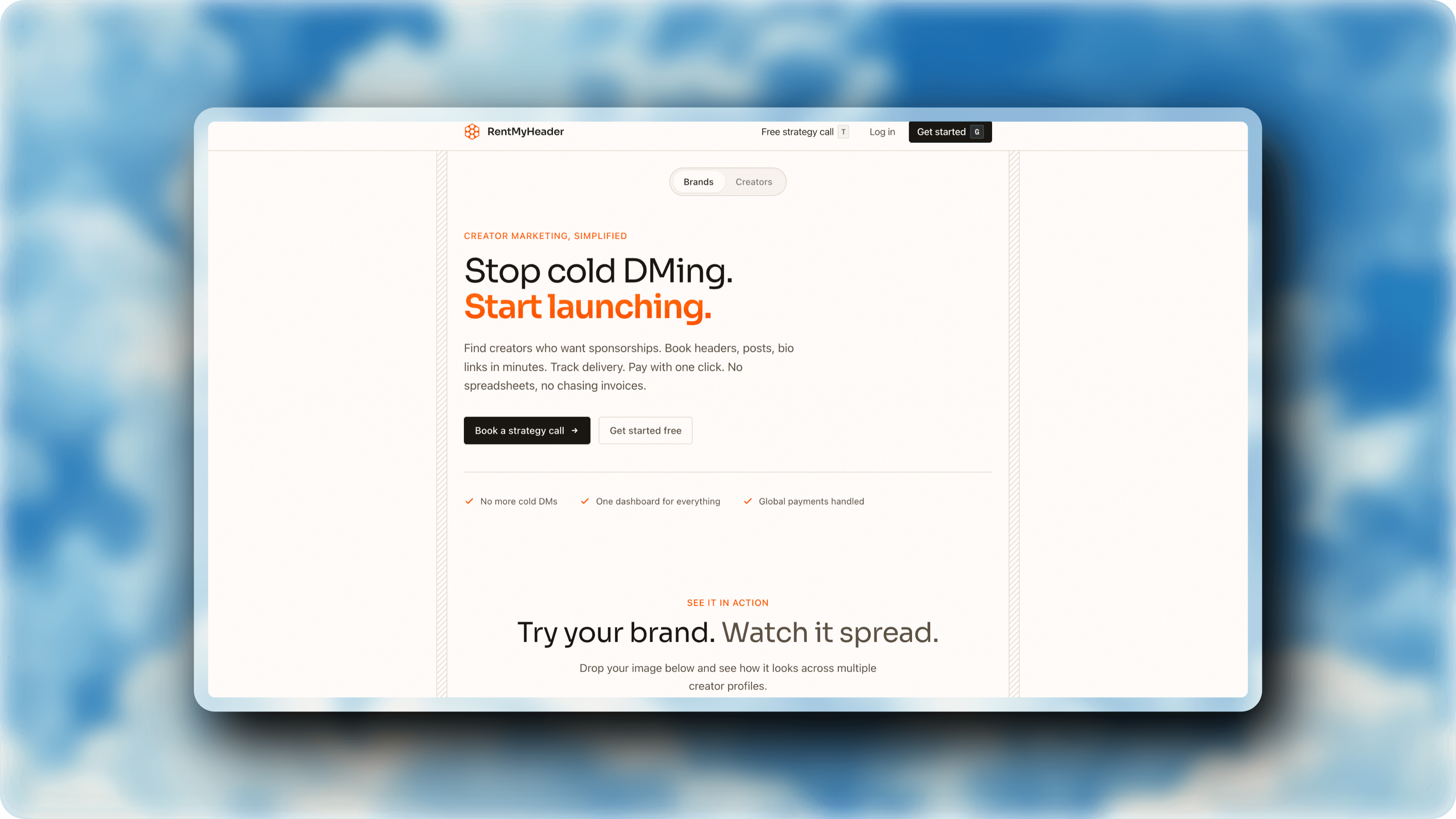
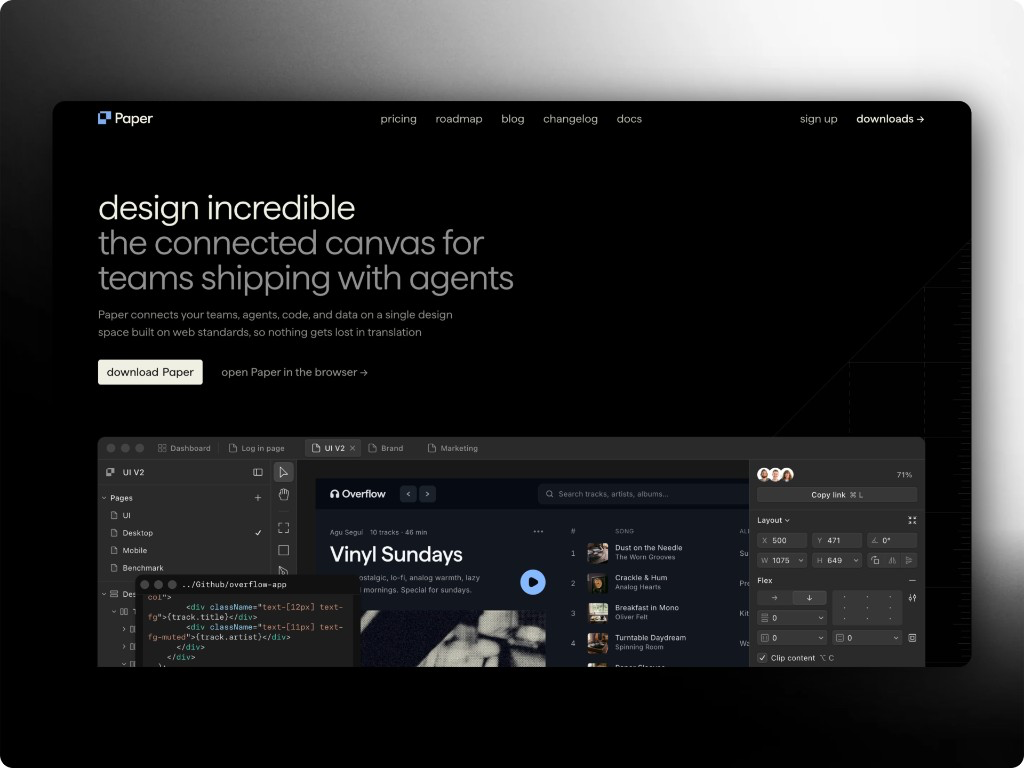
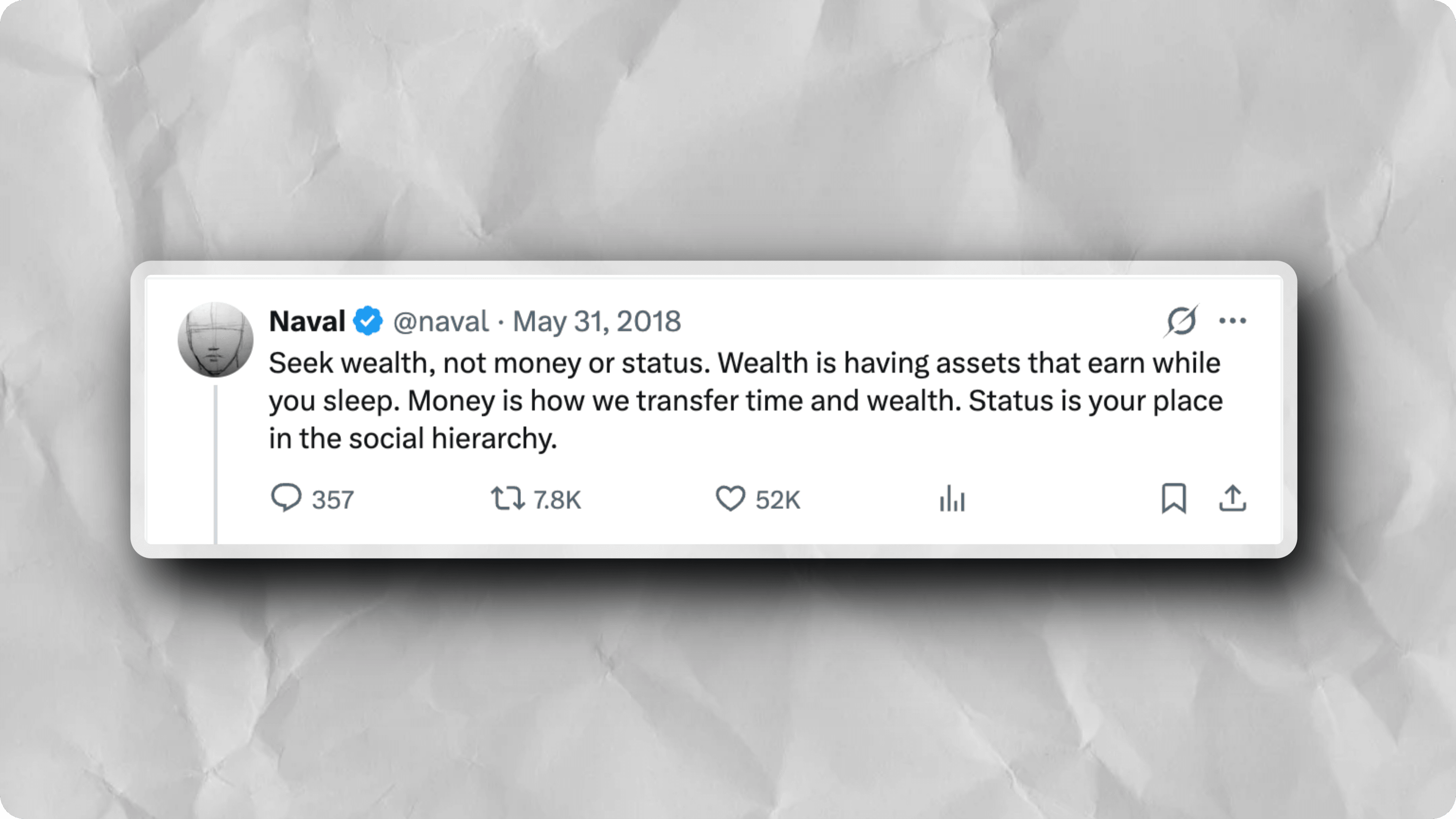
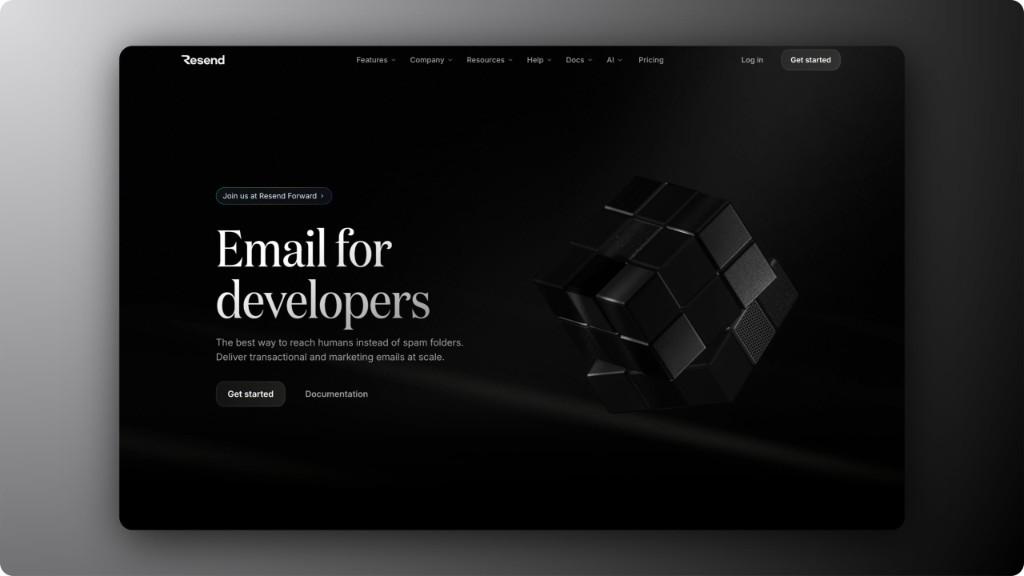
スクリーンショット、ツイート、コードスニペットをプロフェッショナルに仕上げる無料ブラウザエディタ。SafariやChromeのブラウザモックアップ、3Dエフェクトなどを追加できます。

JIEZO
Sample screenshot in the editor preview

JIEZO?

JIEZO is a free, open-source screenshot editor that runs entirely in your browser. It turns raw captures into images you can publish. No signup, no watermarks, nothing to install.

Drop in a screenshot, tweet, or code snippet. Add a Safari or Chrome frame, a gradient background, 3D perspective, and animation. Export PNG, JPG, or video for social, docs, and decks.

Everything you need.
Nothing you don't.

Frames

Device Frames

macOS, Windows, Arc, etc.

Depth

3D Transforms

30+ perspective presets with realistic tilt.

Style

Beautiful Backgrounds

100+ gradients, solids, images, blur, and noise. One click polish.

Motion

Animations & Video

20+ presets plus a timeline editor. Export MP4, WebM, or GIF.

Capture

Tweet & Code Snippets

Paste a tweet URL or drop code.

Export

High-Res Export

PNG or JPG up to 5×.

画像をドロップ

スクリーンショットや写真をドラッグ

スタイルを適用

背景、シャドウ、テキストを追加

エクスポート

数秒でダウンロード

Common
Questions.

Quick answers about JIEZO, exports, and how it works in your browser.

Yes. JIEZO is 100% free with no hidden costs. Unlimited exports, all features, no watermarks. No signup required.
No. Just open the editor and start creating. Your work saves automatically in your browser with unlimited undo/redo.
macOS and Windows browser frames, Arc-style rounded frames, Polaroid borders, 3D perspective transforms, and customizable shadows with blur, spread, and color controls.
PNG with transparency or JPG. Export up to 5x resolution for crisp output on any platform.
No. Editing runs in your browser and imported images are not uploaded to edit them. Only export compression sends the finished image to the server, which recompresses it in memory and returns it without storing it.

作成の準備はできましたか?

何千人ものクリエイターと一緒に美しい画像を作りましょう。

エディタを開く